AI Outfit Change
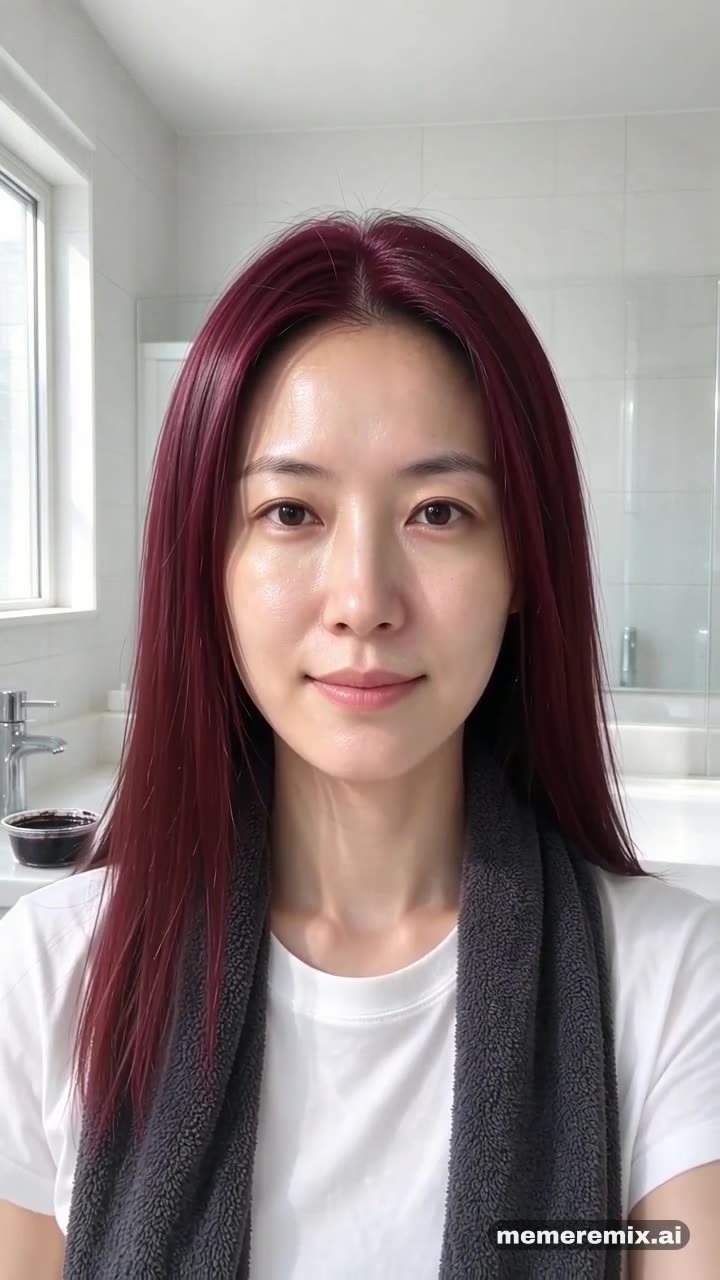
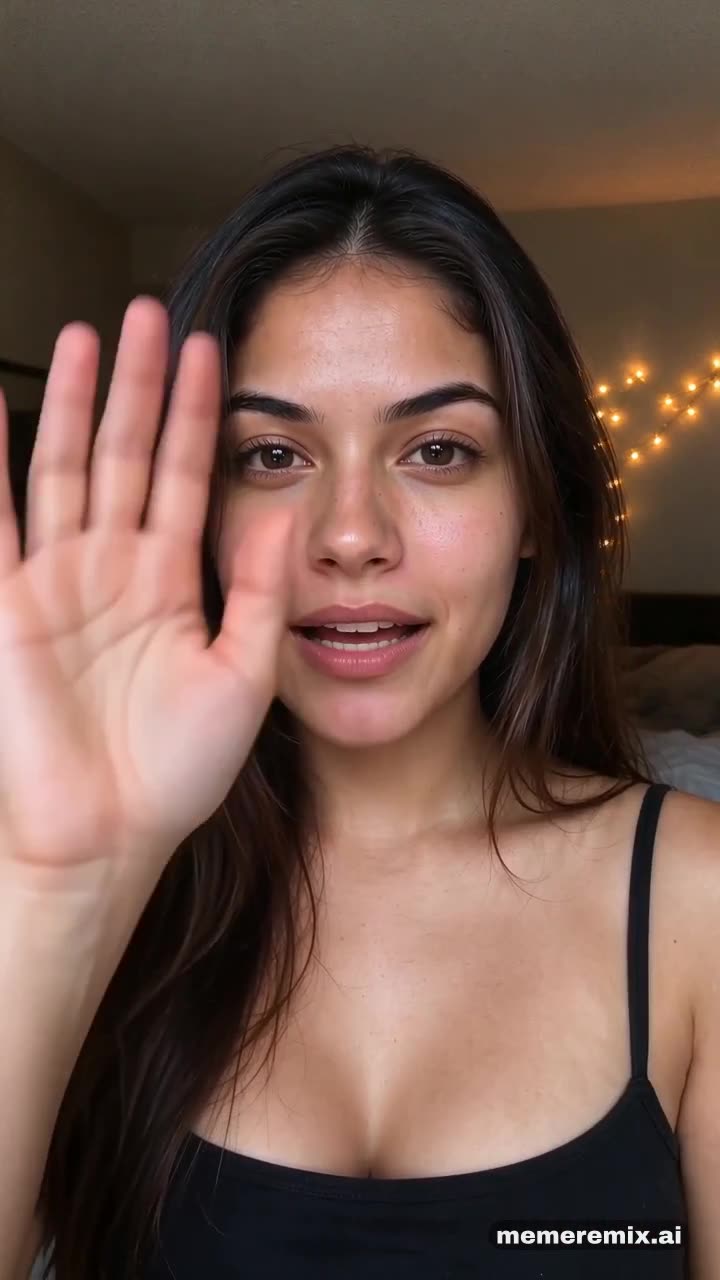
Choose a change — a new outfit on every pass of a ceiling fan, a new hair colour from one brush stroke, or the Bye Bye clown reveal — and upload one photo. Meme Remix keeps your face and makes the change happen in one continuous 9:16 video with sound.
- 9:16 vertical
- With sound
What does each style look like?
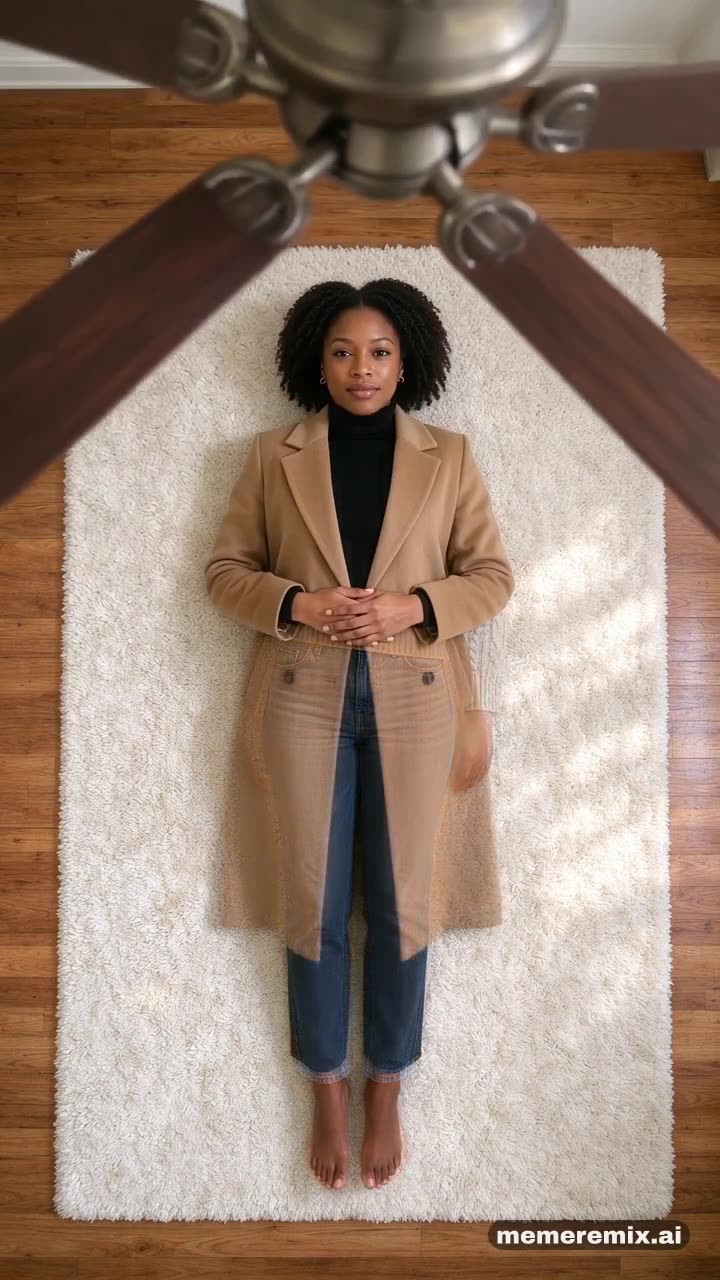
- Ceiling Fan
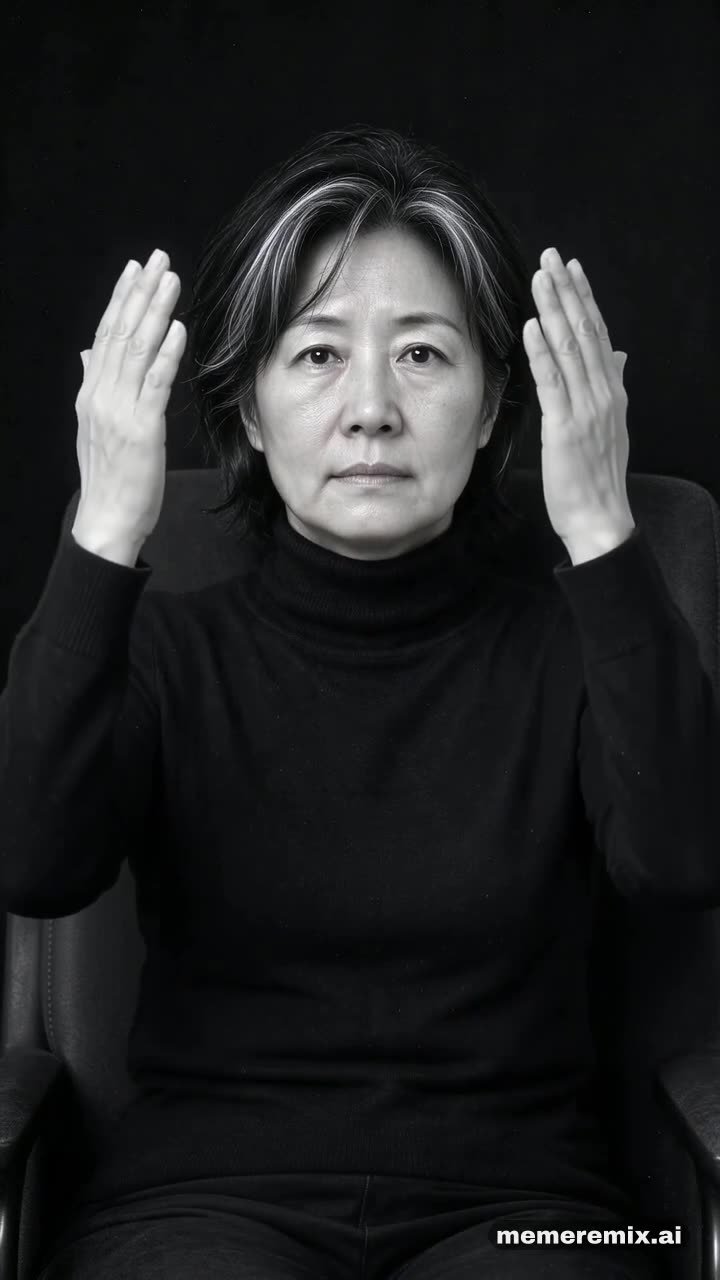
- Hair Dye
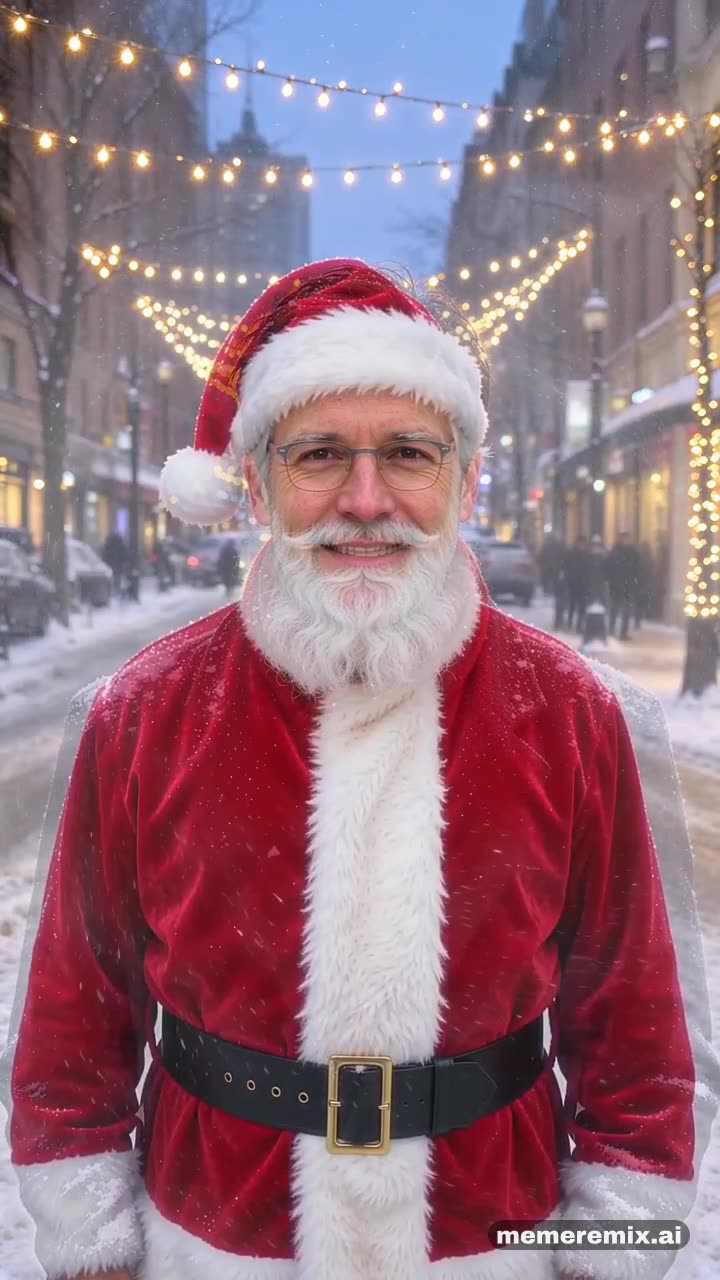
- Bye Bye
Where this meme comes from
The ceiling fan transition went viral on TikTok in late September 2026: the camera looks straight down at someone lying under a turning ceiling fan, and every blade that sweeps past leaves them in a new outfit.
Hair colour change clips go back to the Musical.ly days. In October 2026 an AI version took off on TikTok under #hairdyefilter: one stroke of a dye brush at the roots, and the new colour sweeps through the whole head.
The Bye Bye trend appeared on TikTok on 4 October 2026: a laugh that stops dead, a mouthed “bye bye” and a wave, a hand over the lens, and a reveal in full clown face paint.
How to make it
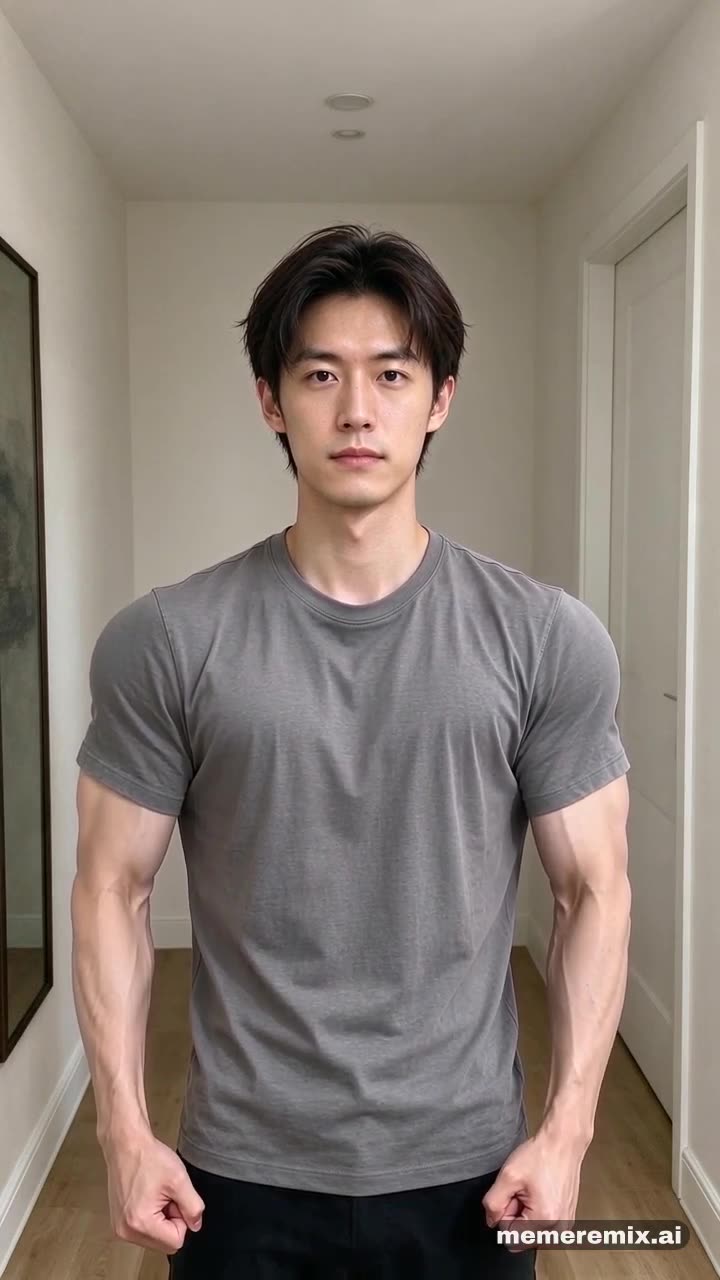
- Upload one photoOne person facing the camera, face clear. Full body works best for the fan; wear your hair down for the dye.
- Remix itPress Remix it and we make the video for you. It can take a few minutes.
- Download and postYou get a vertical 9:16 MP4 with sound, ready for TikTok, Reels and Shorts.
More remixes
See the gallery →AI Outfit Change FAQ
What photo works best?
One person facing the camera, face clear. Full body works best for the fan; wear your hair down for the dye.
What outfits do I get in the ceiling fan version?
After your own outfit: an oatmeal knit jumper with jeans, a camel coat over a black turtleneck, and a black suit.
Does the hair dye change my haircut?
No. Only the colour changes, to a deep burgundy; your hairstyle and length stay the same.
Is it free?
New accounts get free credits to try it. Videos are priced per second, and each template shows its price before you make one. Videos made before your account buys credits carry a watermark; once you have bought credits, your videos come without it.
Can I use a photo of someone else?
Only with their permission. Use photos of yourself, your pet, or people who agreed to it — making videos of real people without their consent is against our Terms.
Who can see my video?
Your videos are not listed anywhere public unless you choose to share one to the gallery. Result links are unlisted: only people you send the link to can open it.