AI Christmas Video
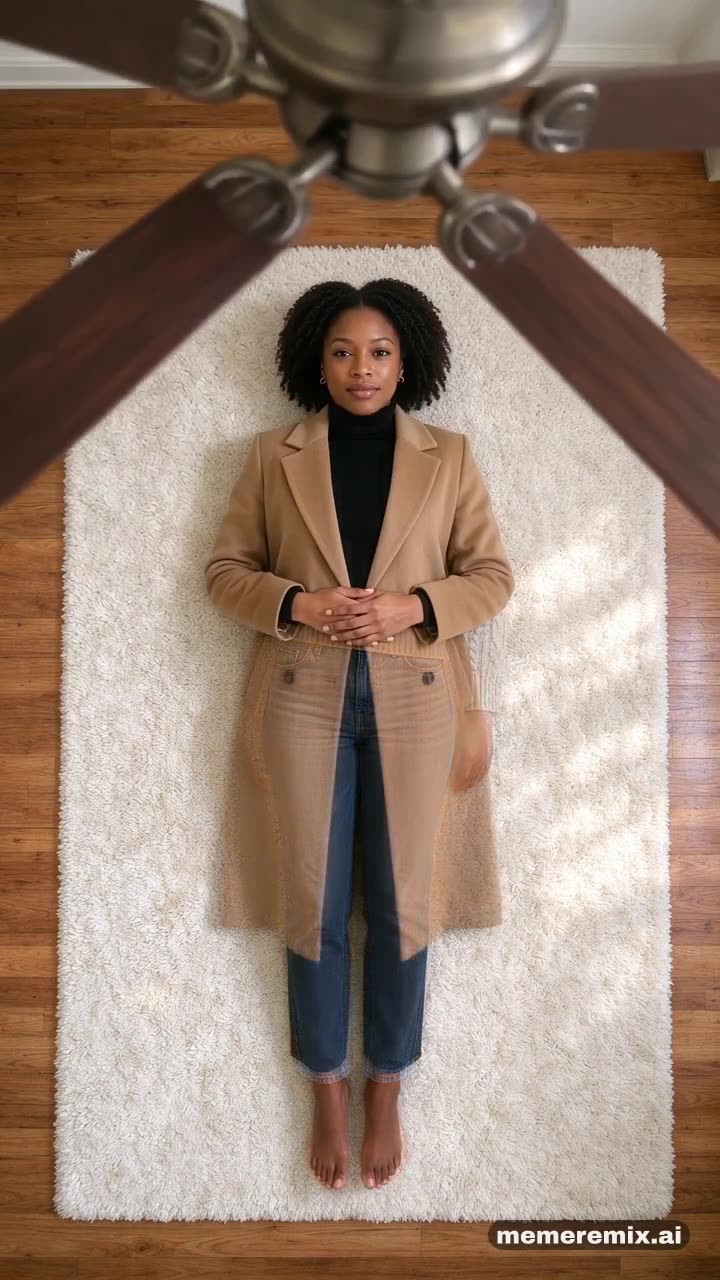
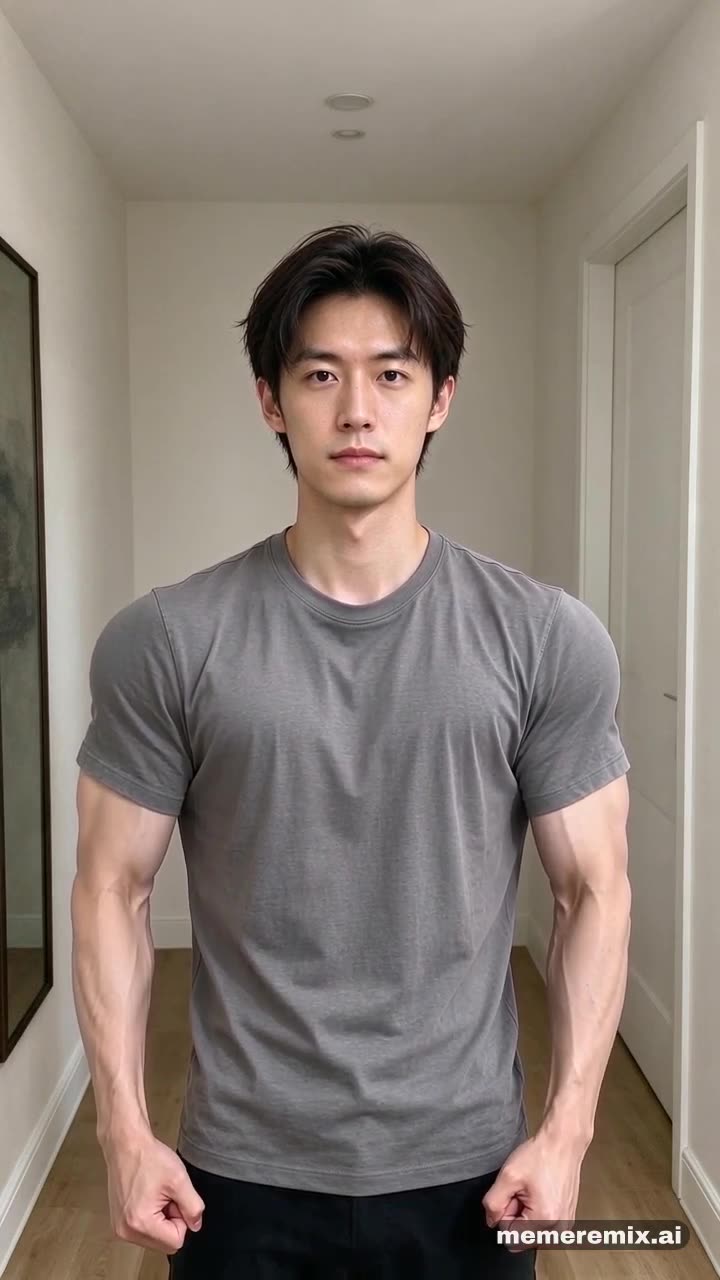
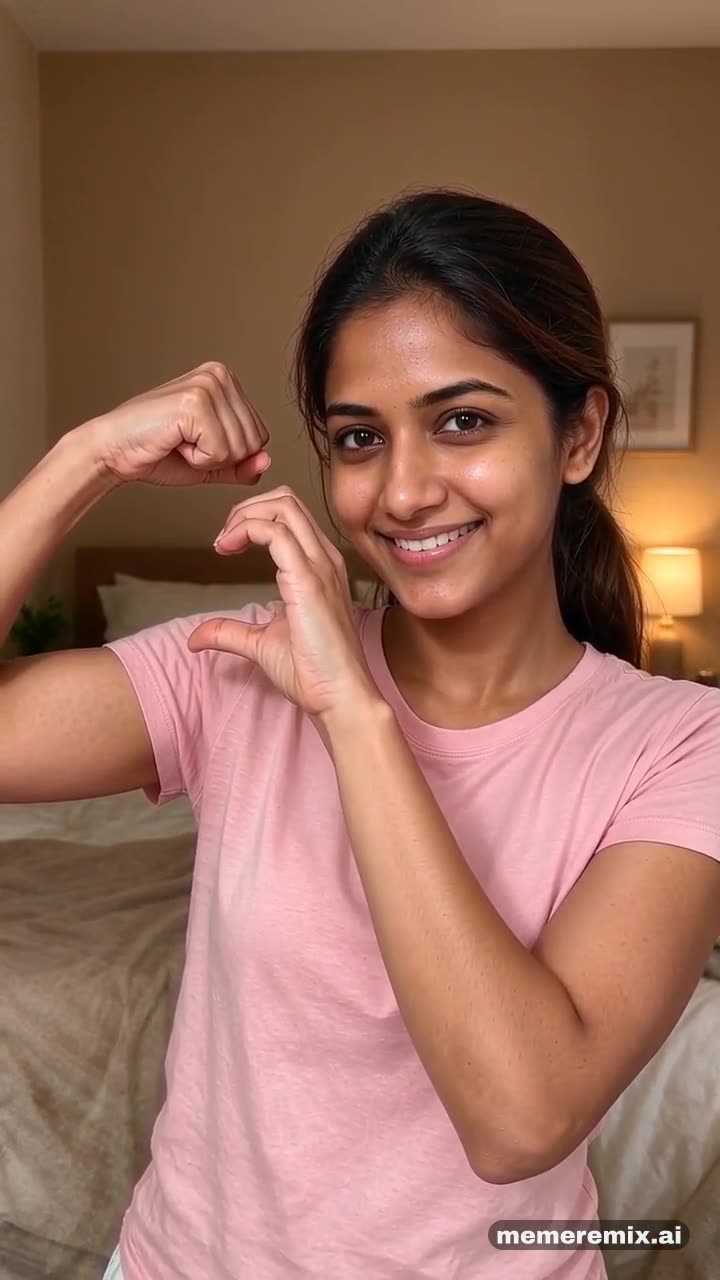
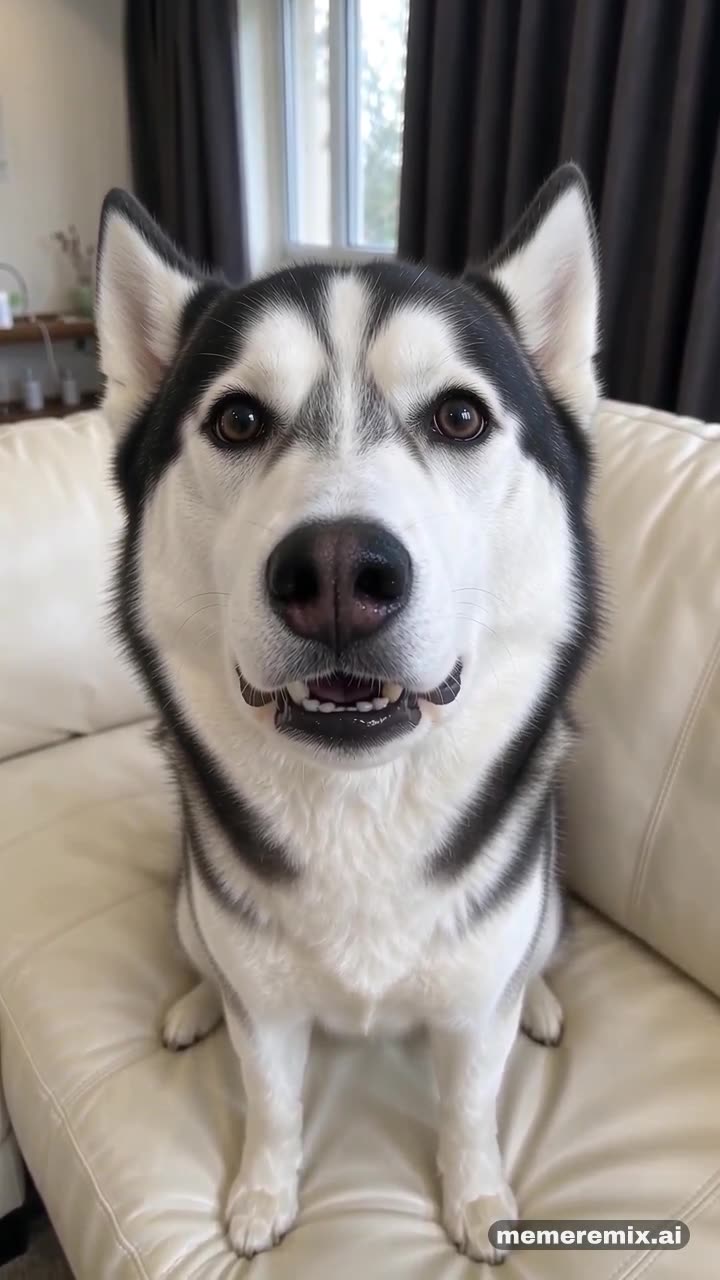
An AI Christmas video turns one ordinary photo of you into a short festive clip: a swirl of snow turns you into Santa, or a swirl of glitter changes your clothes into a Christmas outfit or an ugly Christmas sweater. Upload the photo, press Remix it, and Meme Remix makes a 9:16 video with sound you can post to TikTok, Reels or the family chat.
- 9:16 vertical
- With sound
What does each style look like?
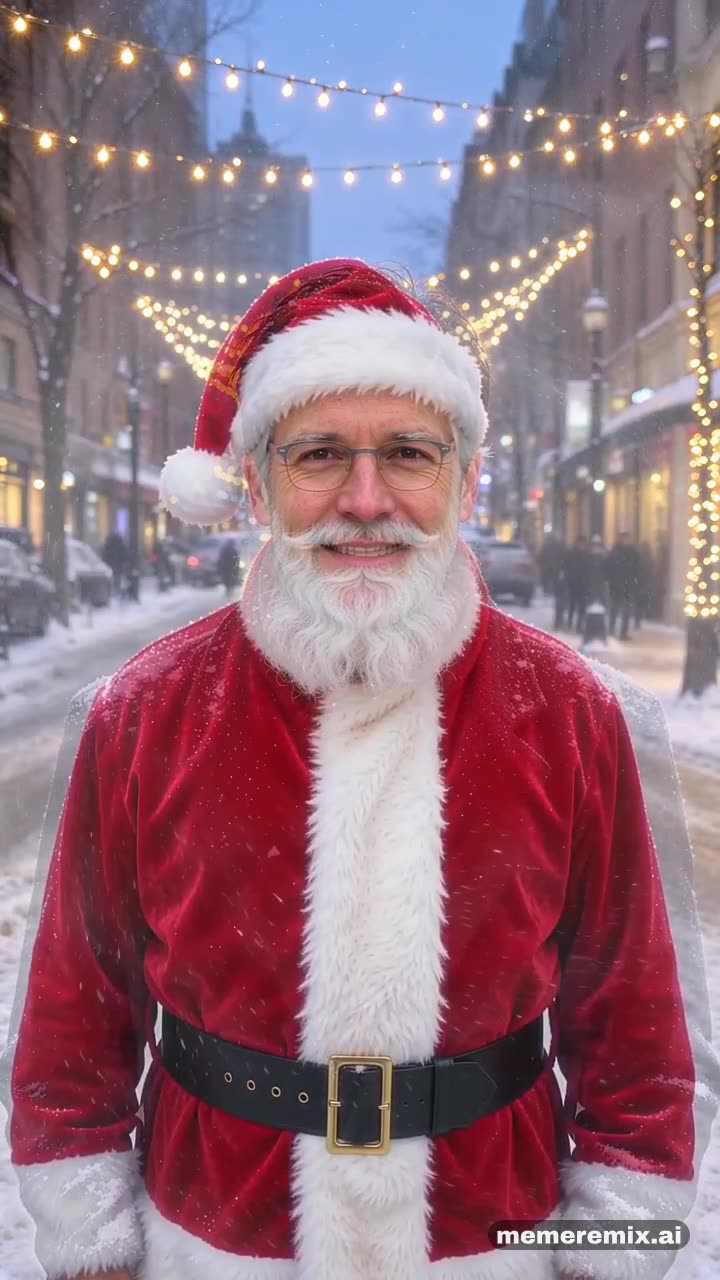
- Santa transformation
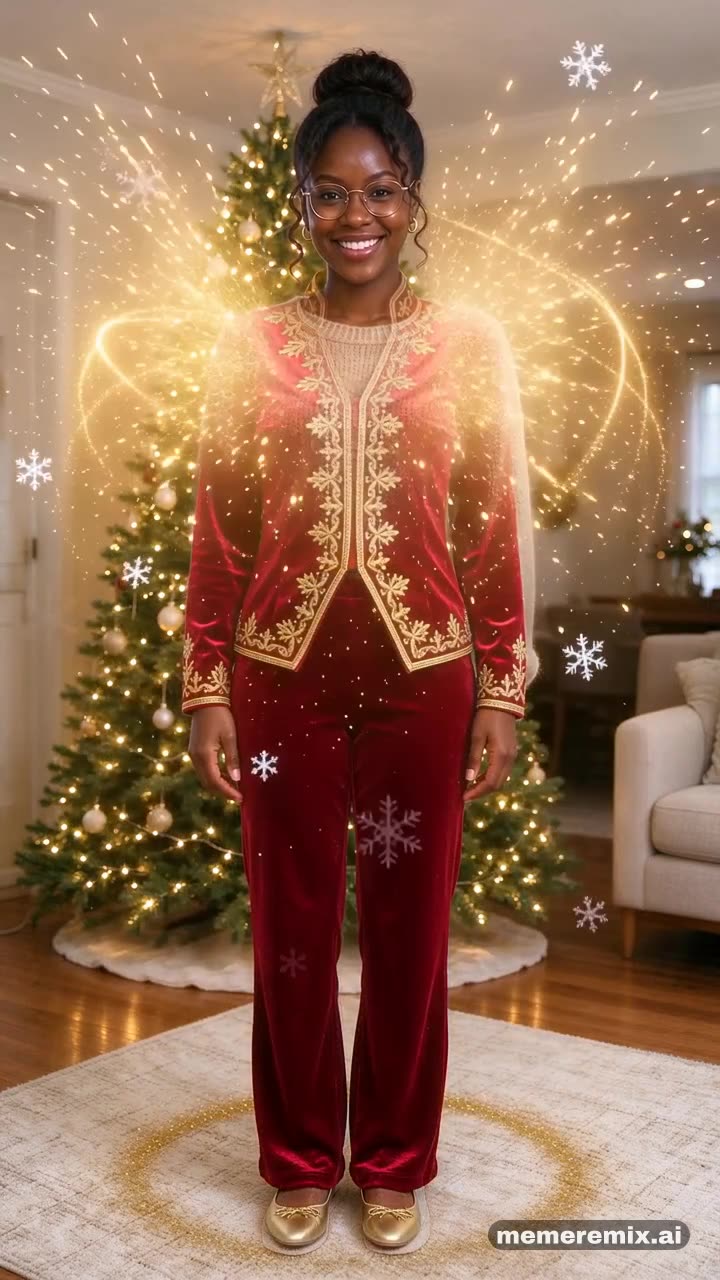
- Christmas outfit
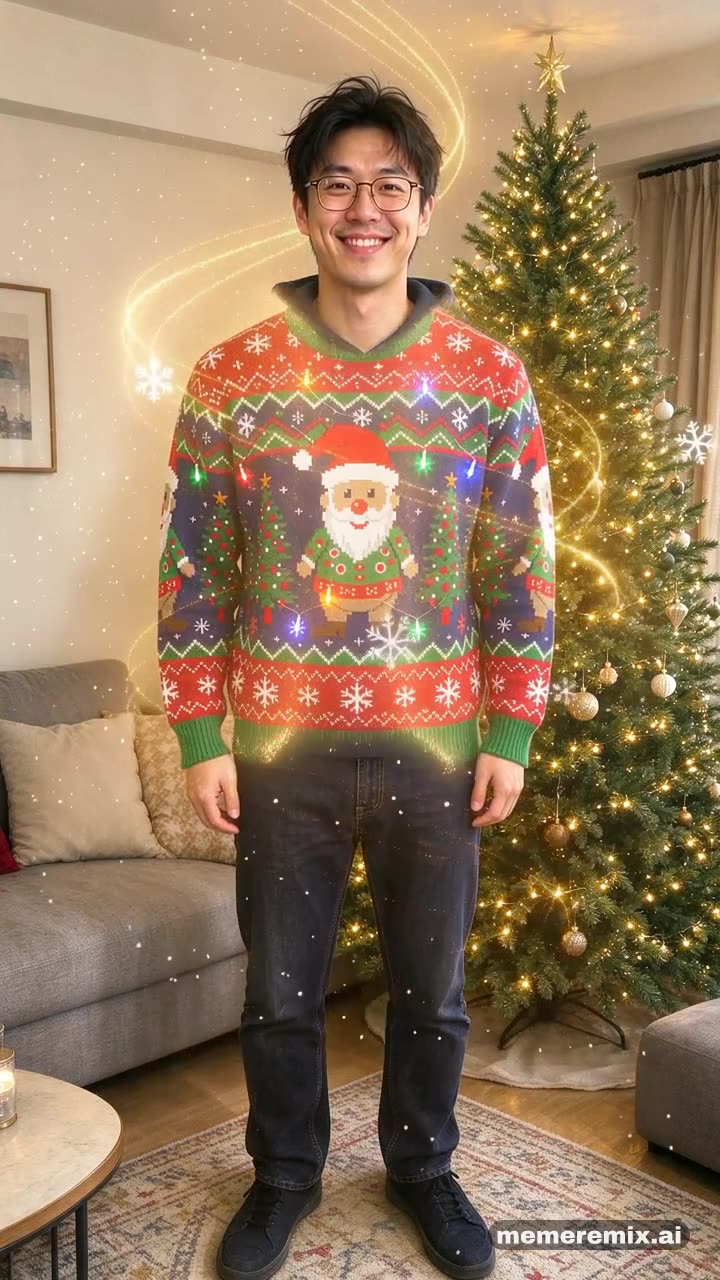
- Ugly sweater
Where this meme comes from
Holiday photo edits were one of the most popular uses of AI image tools in 2025: people turned ordinary selfies and family or pet photos into festive portraits, like sitting in front of a Christmas tree.
In December 2025, a step-by-step guide shared on X helped spread the idea of turning family photos into short, cartoon-style Christmas clips for holiday cards, Instagram Stories and WhatsApp statuses.
Seasonal face effects, like a Grinch filter on TikTok in 2023, had already made “turn yourself into a holiday character” a format people come back to every December.
The looks in this template follow AI video effects that return each December: a snow swirl that turns you into Santa, and a glitter swirl that changes your clothes into a Christmas outfit.
How to make it
- Upload one photoFacing the camera, waist-up or full body.
- Remix itPress Remix it and we make the video for you. It can take a few minutes.
- Download and postYou get a vertical 9:16 MP4 with sound, ready for TikTok, Reels and Shorts.
More remixes
See the gallery →AI Christmas Video FAQ
What photo works best?
Facing the camera, waist-up or full body.
Which Christmas looks can I choose?
Three: a swirl of snow that turns you into Santa, a swirl of glitter that changes your clothes into a deep-red velvet outfit with gold trim, or an ugly Christmas sweater with blinking lights.
Is it free?
New accounts get free credits to try it. Videos are priced per second, and each template shows its price before you make one. Videos made before your account buys credits carry a watermark; once you have bought credits, your videos come without it.
Can I use a photo of someone else?
Only with their permission. Use photos of yourself, your pet, or people who agreed to it — making videos of real people without their consent is against our Terms.
Who can see my video?
Your videos are not listed anywhere public unless you choose to share one to the gallery. Result links are unlisted: only people you send the link to can open it.