Movie Moment: AI Movie Scenes
Pick a scene — sprinting up a giant dam wall and sliding back down, a slow-motion sidewalk collision, or walking away from a roaring stadium with a calm-down gesture — and upload one photo. Meme Remix puts you in it as one cinematic 9:16 shot with sound.
- 9:16 vertical
- With sound
What does each style look like?
- Giant Ramp Climbing
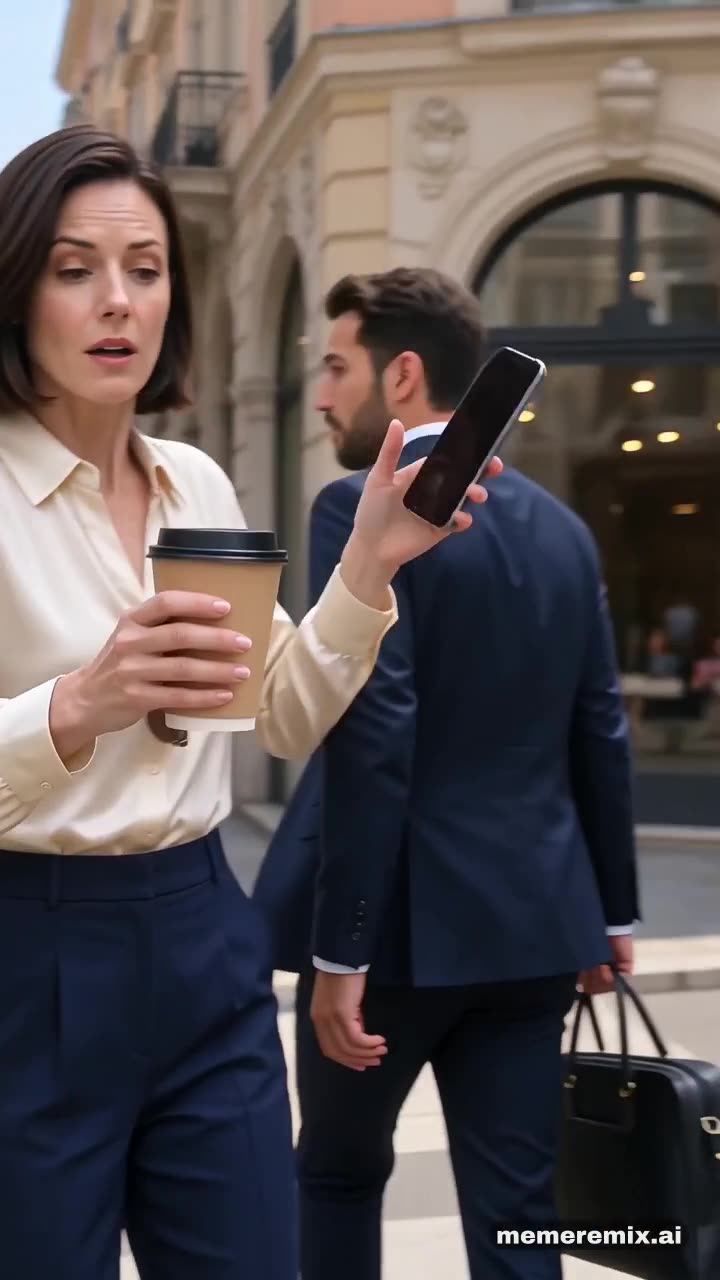
- Sidewalk Collision
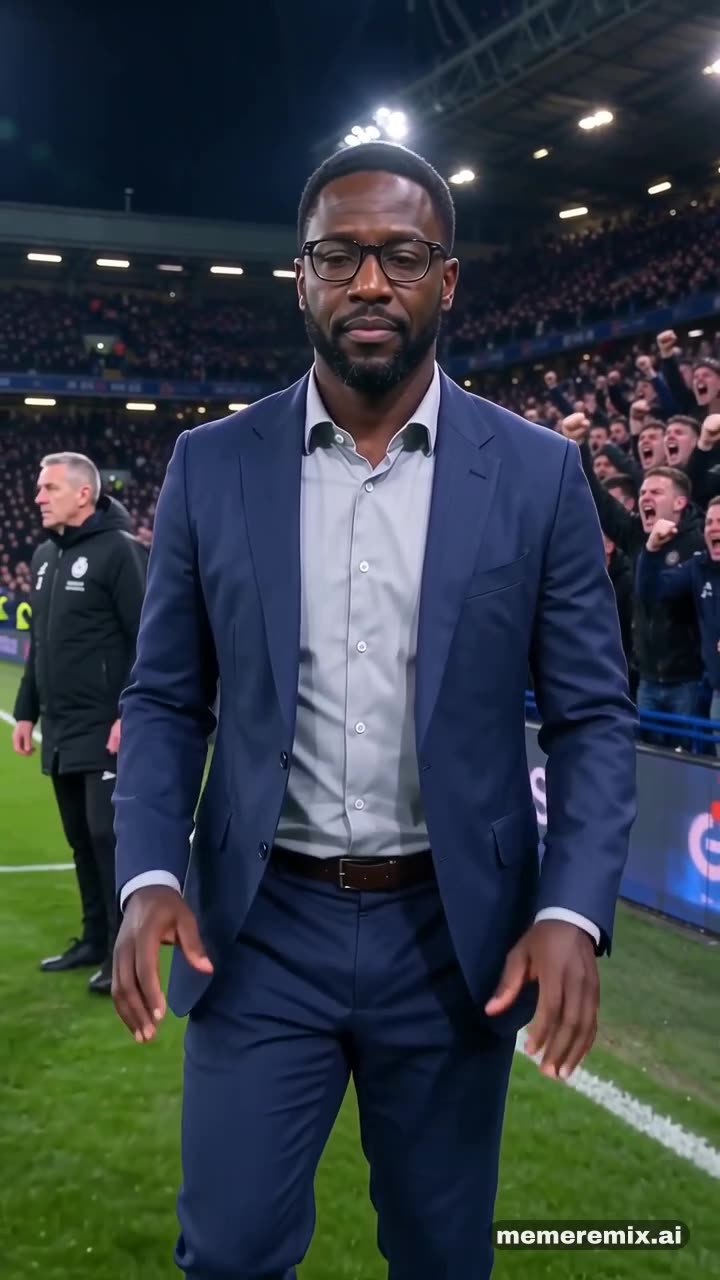
- Stadium Calm Down
Where this meme comes from
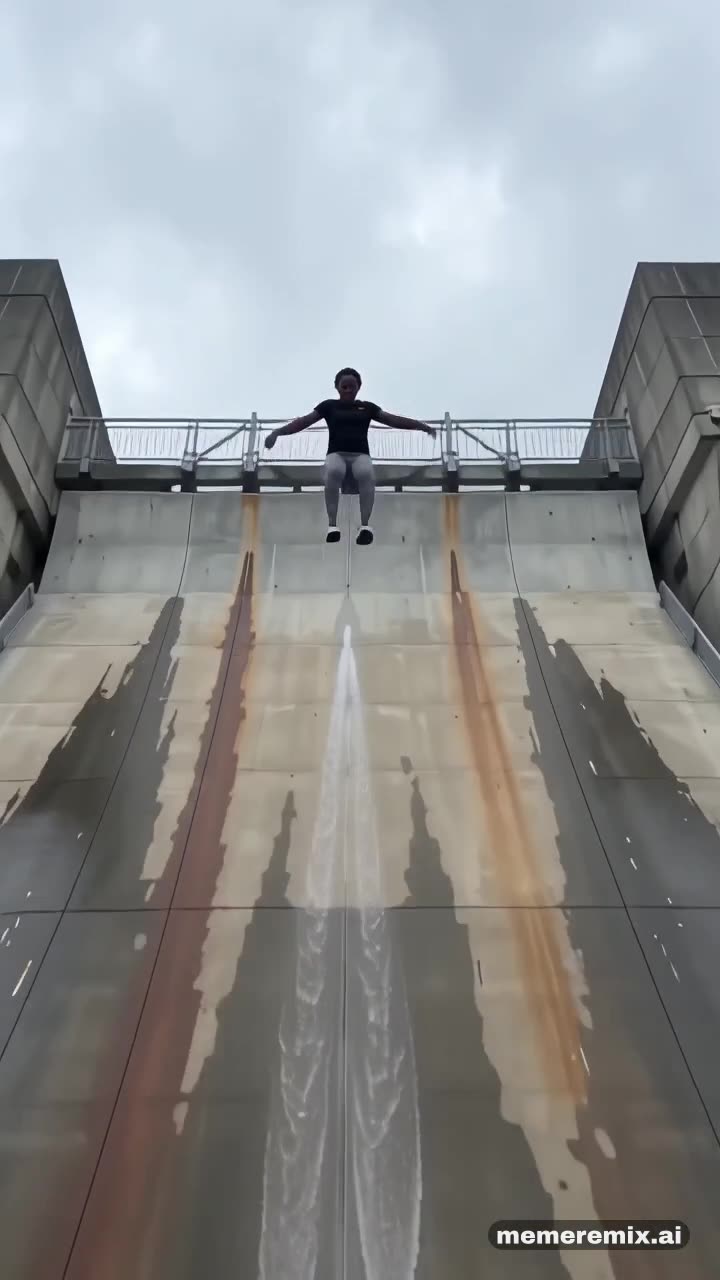
Giant Ramp Climbing comes from an AI-made Instagram reel posted on 23 October 2026: a runner sprints up the curved wall of a giant dam, flips off the railing at the top and slides back down standing up in a burst of spray. Within days people were remaking it on TikTok. Nobody ran up a real dam.
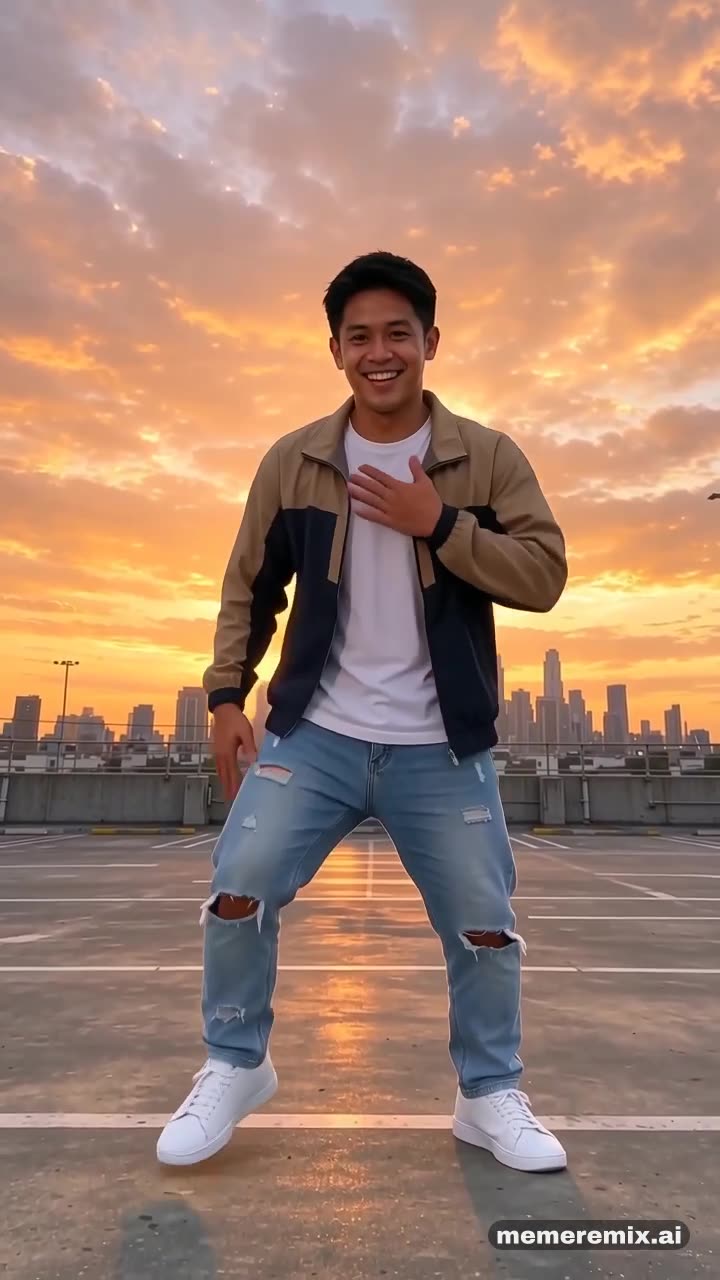
The sidewalk collision is a slow-motion AI format that spread in late summer 2026: someone power-walks with a coffee, a passer-by clips their shoulder, and time slows as the coffee and sunglasses fly.
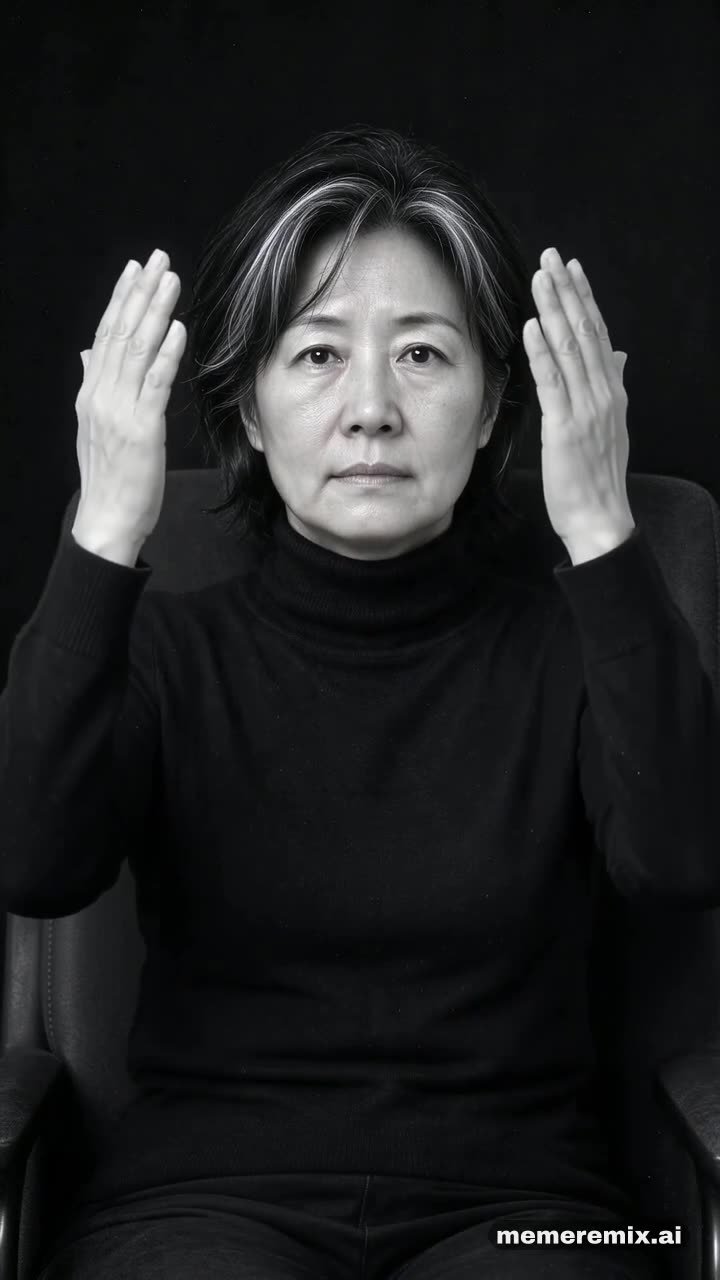
Stadium Calm Down is an AI clip shared in late October 2026 with the caption “He is nonchalant”: a man in a suit turns his back on a roaring crowd and presses both palms down, the gesture footballers use to quiet a hostile crowd.
How to make it
- Upload one photoOne person, face clear and facing the camera, waist-up or full body.
- Remix itPress Remix it and we make the video for you. It can take a few minutes.
- Download and postYou get a vertical 9:16 MP4 with sound, ready for TikTok, Reels and Shorts.
More remixes
See the gallery →Movie Moment FAQ
What photo works best?
One person, face clear and facing the camera, waist-up or full body.
Is there music in the video?
Each scene comes with its own sound: wind, spray and a roaring crowd at the dam, a slow-motion swell on the street, or a stadium crowd under a soft melody. You can add a song from TikTok or Instagram when you post.
Do I need to film anything?
No. You only upload one photo; the dam, the street and the stadium are generated.
Is it free?
New accounts get free credits to try it. Videos are priced per second, and each template shows its price before you make one. Videos made before your account buys credits carry a watermark; once you have bought credits, your videos come without it.
Can I use a photo of someone else?
Only with their permission. Use photos of yourself, your pet, or people who agreed to it — making videos of real people without their consent is against our Terms.
Who can see my video?
Your videos are not listed anywhere public unless you choose to share one to the gallery. Result links are unlisted: only people you send the link to can open it.